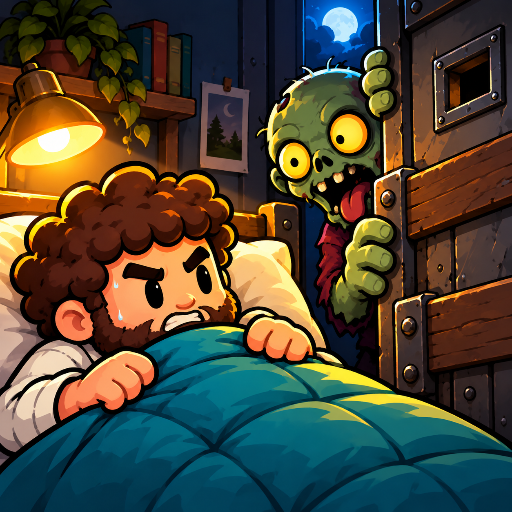
Zombie Dorm: Lights Out
Zombies at the door. Build turrets, pick skills and hold your room. The hallway is full of zombies — at least you have a bed.
Coming soon
Google Play
TapTap
Zombies at the door. Build turrets, pick skills and hold your room. The hallway is full of zombies — at least you have a bed.
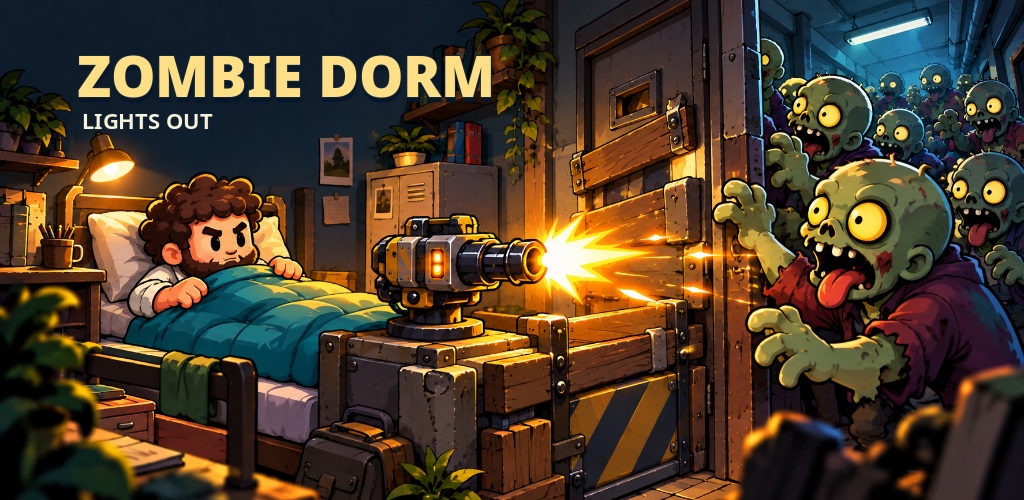
Find an empty room, walk to the bed and settle in. Earn resources, build turrets and keep the door standing. Upgrade your bed or build another gun? Pick one of three random skills during the fight and shape your defense around what you get.
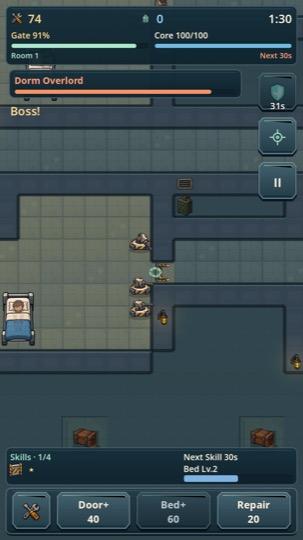
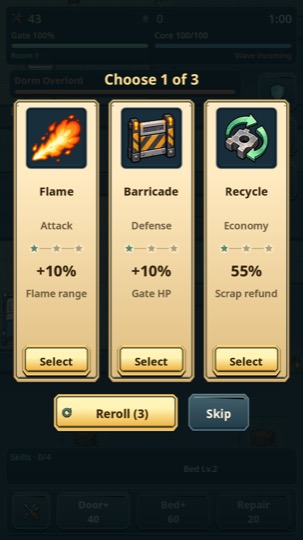
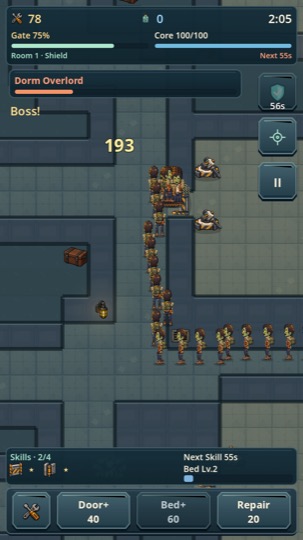
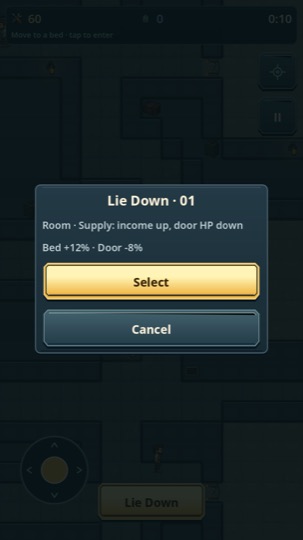
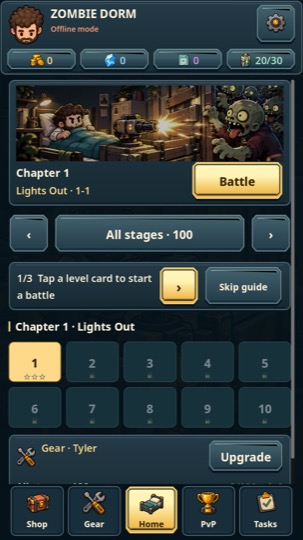
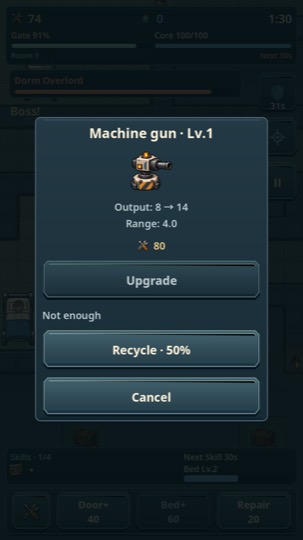
Machine guns hold the front line. Flame turrets burn through the crowd. Frost buys you a little more time.
Upgrade your bed or build another gun — every run asks the question again.
Defend dorms, hotels and hospitals across 100 stages. Unlock survivors and upgrade gear between runs.
Four survivors, one building. Outlast the horde and each other — every match is simulated and verified on our servers, not on your phone.
Drag to check nearby rooms, pinch to zoom and tap to return home.
Guest accounts — no sign-up wall. Link an email later if you want your progress saved across devices.
The game is in active development and polish. We'll announce the release on this page first — no dates promised before we're sure.
Android at launch, through Google Play and TapTap. We'll evaluate other platforms after release.
No. You play as a guest out of the box. Optionally link an email inside the game to keep progress across devices or recover your account.
Matches run on our servers: your phone sends controls, the server simulates the battle and verifies every result. Faked states and results are rejected.
Any time, in two taps: in game under Settings → Delete Account, or on the web at Delete your account. See our Privacy Policy for what we store (very little) and what we don't (ads, trackers).